

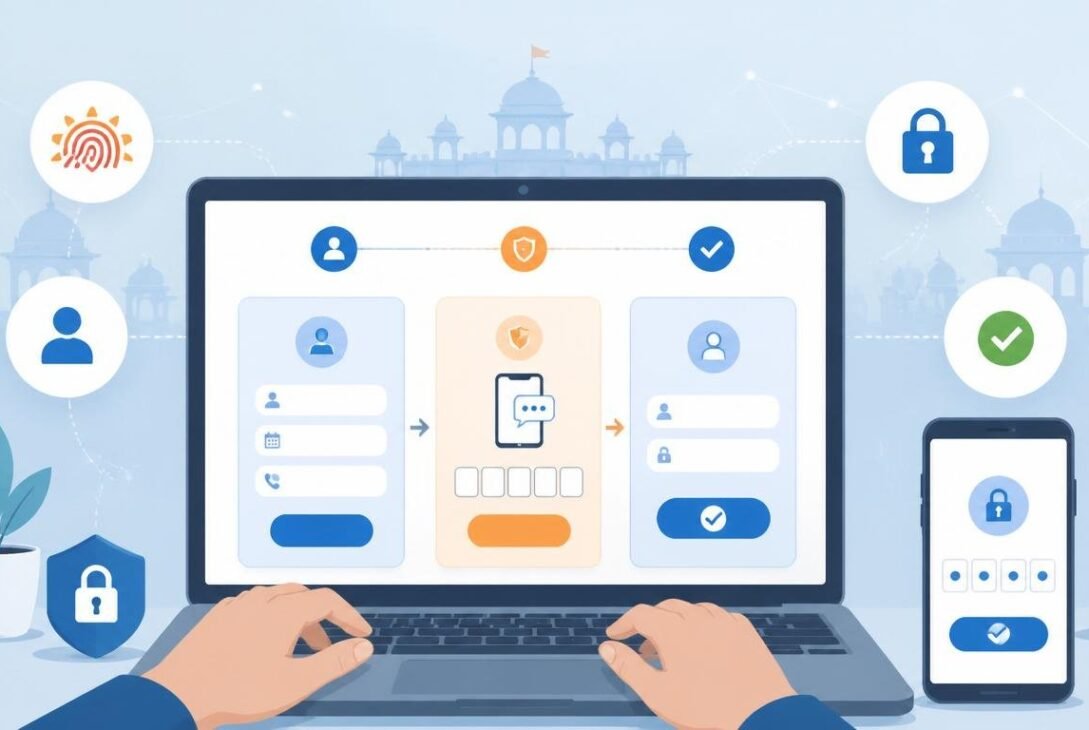
If you live in Rajasthan or deal with government services in the state, there is one digital gateway you absolutely need to know about — the SSO Portal Rajasthan. Whether you want to apply for a government job, pay utility bills, access welfare schemes, or complete dozens of other official tasks, everything runs through this single platform. And if you have not registered yet, you are making your life harder than it needs to be.
This guide walks you through exactly how to register on SSO Portal Rajasthan in 2026, what documents you need, the different login options available, and a few common issues people run into along the way.
What Is the SSO Portal Rajasthan?
SSO stands for Single Sign-On. The Rajasthan government launched this portal to bring all its digital services under one roof. Instead of managing separate logins for every department or scheme, citizens get one ID — called an SSOID — that works across hundreds of government services.
From applying for a birth certificate to checking the status of a scholarship, from registering a business to accessing the Jan Aadhaar welfare database, the SSO Portal Rajasthan handles it all. In 2026, the platform has only grown more central to daily administrative life in the state.
Who Can Register on the SSO Portal?
The portal is open to three types of users:
- Citizens — residents of Rajasthan who want to access government services
- Udyog (Business) — entrepreneurs and businesses registered in the state
- Government Employees — state government staff who need access to official systems
This guide focuses primarily on citizen registration, which is what most people need.
Documents You Need Before You Start
Before you begin the registration process, keep the following handy. You do not need all of them — just one valid identity source is enough to get started.
- Jan Aadhaar number (recommended for Rajasthan residents)
- Aadhaar card number (linked to a working mobile number)
- Facebook or Google account (for quick social login)
- Bhamashah card (older registrations may still use this)
A working mobile number is essential regardless of which option you choose, as OTP verification is part of the process.
Step-by-Step: How to Register on SSO Portal Rajasthan in 2026
Step 1: Visit the Official SSO Portal
Open your browser and go to the official website: sso.rajasthan.gov.in
Make sure you are on the official government domain. Avoid clicking on links from unverified sources, as fake websites can compromise your personal information.
Step 2: Click on "Register"
On the homepage, you will see two main options — Login and Register. Click on Register to begin creating your new SSO ID.
Step 3: Choose Your Registration Method
You will be presented with several identity-based options. Choose whichever applies to you:
Option A: Jan Aadhaar
This is the most recommended route for Rajasthan residents in 2026. Enter your Jan Aadhaar ID or the enrollment number on your Jan Aadhaar card. The system will fetch your family details from the database. Confirm your identity using the OTP sent to your registered mobile number.
Option B: Aadhaar Card
Enter your 12-digit Aadhaar number. You will receive a one-time password on the mobile number linked to your Aadhaar. Enter the OTP to proceed. Make sure your Aadhaar is linked to an active phone number before choosing this method.
Option C: Google or Facebook
If you prefer a quicker setup, you can register using your existing Google or Facebook account. This is convenient but less official — for serious government use, the Jan Aadhaar or Aadhaar route is more reliable and gives you fuller access to services.
Step 4: Create Your SSOID and Password
After identity verification, the system will prompt you to create your SSOID. This is your unique username on the portal. You can choose a custom name or use the one suggested by the system.
Then set a strong password. Use a combination of letters, numbers, and special characters. Avoid using your name, date of birth, or simple sequences like "12345" as your password.
Step 5: Complete Your Profile
Once your account is created, fill in your basic profile details — name, address, district, and email address. Completing your profile ensures smoother access to services that require verified personal information.
Step 6: Save Your SSOID
Write down your SSOID somewhere safe or save it in a secure notes app. This ID is what you will use every time you log in, and recovering a forgotten SSOID can be a hassle.
How to Log In After Registration
Once registered, logging in is straightforward. Go to sso.rajasthan.gov.in, enter your SSOID and password, complete the captcha, and click Login. If you set up a mobile-linked account, you can also use OTP-based login.
Common Issues and How to Fix Them
Forgot Your SSOID
Click on "I Forgot My SSOID" on the login page. Enter your registered mobile number or Aadhaar details and the system will retrieve your ID.
OTP Not Received
Check that your mobile number is active and has good network coverage. If the issue persists, wait two minutes and request a new OTP. Aadhaar-linked registrations require your number to be updated in the UIDAI database, so make sure that is current.
Account Already Exists
If the portal says an account is already linked to your Aadhaar or Jan Aadhaar, it means you or someone in your family registered before. Try the "Forgot SSOID" option with your mobile number to recover access.
Why Registering in 2026 Still Matters
With Rajasthan expanding its digital governance push, more services are moving exclusively online. Pension applications, land record corrections, employment scheme registrations, and utility services now either require or strongly prefer the SSO Portal Rajasthan login. Without an SSOID, you will find yourself standing in long queues at government offices for things that could be done from your phone in minutes.
The registration itself takes less than ten minutes if your documents are in order. There is no fee involved. And once done, the SSOID stays with you permanently unless you choose to deactivate it.
Final Thoughts
The SSO Portal Rajasthan is not just a convenience — in 2026, it is practically a necessity for anyone dealing with state government services. Getting registered is simple, free, and takes very little time. If you have been putting it off, now is the right time to get it done. Follow the steps above, keep your documents ready, and you will have your SSOID in your hands within minutes.